Hey there!
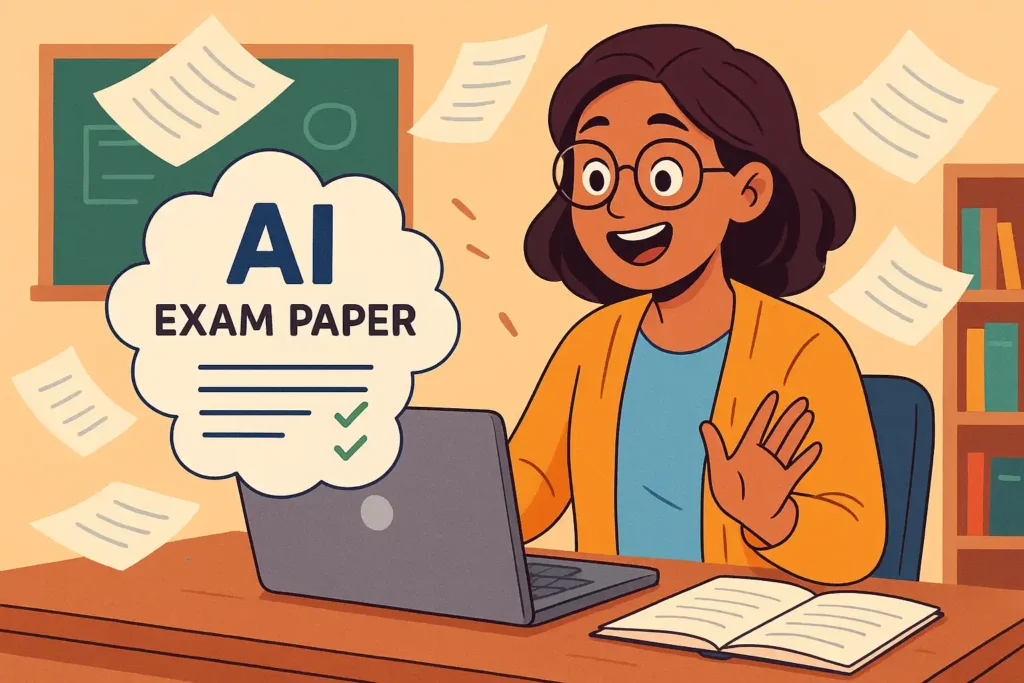
So, you’ve been given the oh-so-fun task of creating an exam paper. Whether you’re a teacher, a tutor, or just helping someone out, you’re probably thinking: “Isn’t there a smarter way to do this?”
Well, guess what? There is.
Let me walk you through how to make exam paper with AI — like a pro — without pulling your hair out. We’ll keep it simple, friendly, and a little fun too. 😄
Why Use AI to Make Exam Papers?
Before we get into the how-to, let’s quickly answer the “why”.
Have you ever sat down to create a question paper and ended up spending hours — tweaking instructions, thinking up new questions, making sure the paper is balanced?
Yeah, me too. It’s exhausting.
That’s where AI steps in like a helpful assistant who:
- Doesn’t complain.
- Works 24/7.
- And actually knows what it’s doing (most of the time 😅).
AI can help you:
- Generate questions for any subject or level.
- Mix question types (MCQs, short answers, long answers).
- Check grammar and clarity.
- Format the whole paper neatly.
And the best part? You can do all this in just minutes.
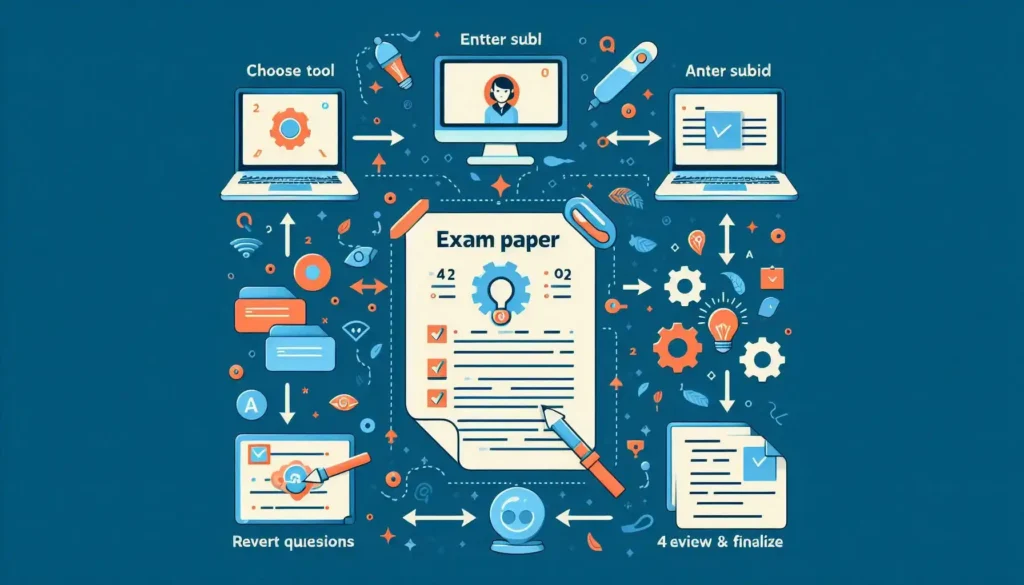
Step-by-Step: How to Make Exam Paper with AI
Let’s break this down into simple steps. You don’t need to be a tech genius. If you can use Google, you can do this. Pinky promise. 👍
1. Choose the Right AI Tool
First things first — pick an AI tool that suits your needs. Some popular ones include:
- ChatGPT (like me!) – Great for generating all kinds of questions and explanations.
- QuestionAI.com – Specially designed for exam papers.
- Teachmint / PrepAI / ClassMarker – These are teacher-focused platforms with question generation and test creation tools.
👉 Tip: Go for a tool that lets you export your paper as a PDF or Word doc — it’ll save you time on formatting.
2. Give Clear Instructions
AI isn’t magic (okay, maybe just a little). But it needs good input to give you good output.
Example prompt:
“Create a Grade 10 Science question paper with 10 multiple-choice questions, 5 short answers, and 3 long answer questions. Topics: Photosynthesis, Respiration, Human Circulatory System.”
Be specific about:
- Grade/Class level
- Subject
- Number and type of questions
- Topics or chapters
- Difficulty level (basic, moderate, or advanced)
The more details you give, the better your paper will turn out.
3. Review & Edit (Don’t Skip This!)
Here’s a golden rule: Never trust AI blindly.
I mean, I’m helpful and all — but sometimes I get a little too creative. Always read through the questions AI gives you. Check for:
- Accuracy (especially in science or math)
- Clarity of instructions
- Repetition of questions or ideas
Also, make sure the paper is balanced in terms of marks and question difficulty. AI doesn’t always get the weightage right.
👉 Bonus Tip: Use AI tools like Grammarly or Quillbot to proofread and polish the language further.
Adding Some Human Touch 🧠
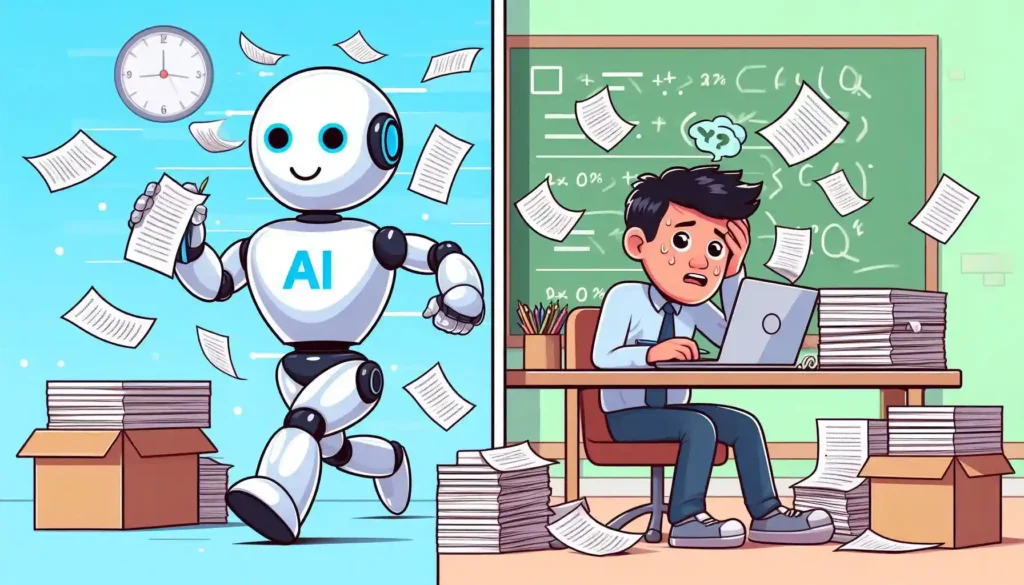
Okay, so now you’ve got your base exam paper ready using AI. But don’t stop there.
Here are a few things only a human (aka you) can do well:
- Add context-based questions related to current events or local syllabus.
- Insert diagrams or graphs where needed.
- Adjust question order from easy to hard — students will thank you for this.
- Make answer keys (yes, AI can help here too, but still double-check).
Real-Life Example
Let’s say you’re making an exam for Grade 8 English.
You tell AI:
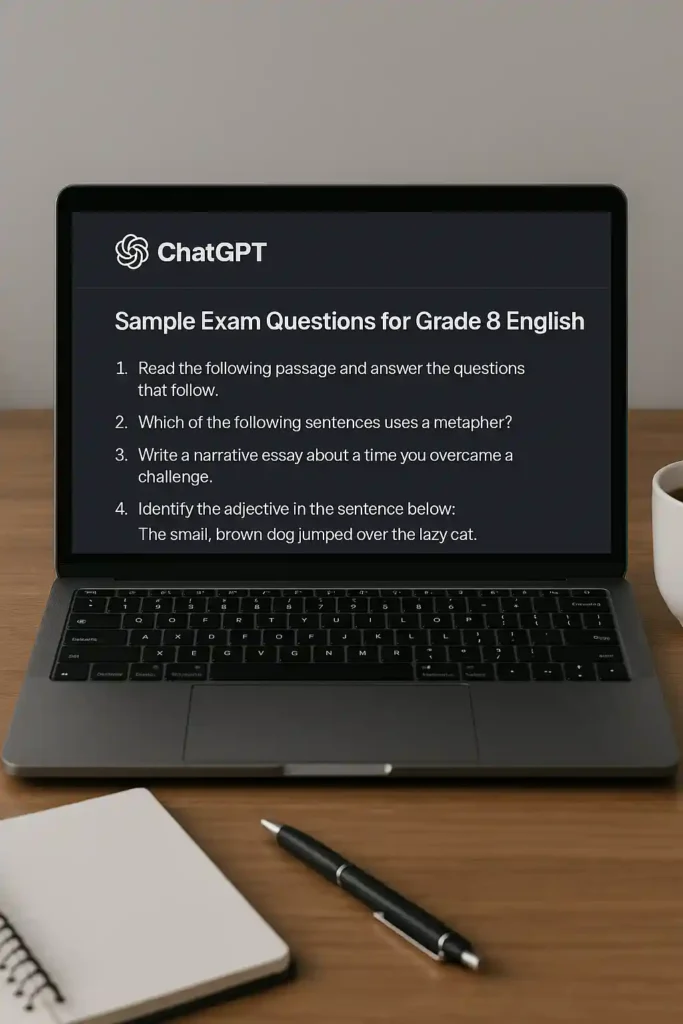
“Generate 5 MCQs and 3 short answer questions from the story ‘The Best Christmas Present in the World’ by Michael Morpurgo. Also, add 2 grammar questions on tenses.”
Boom! In seconds, you get:
- Multiple-choice questions based on plot and characters.
- Short questions asking for summaries or opinions.
- Grammar sentences with blanks and answer keys.
Now, all you need to do is copy, paste, tweak, and print. Done!
Pros and Cons (Let’s Be Real for a Sec)
Pros of Using AI:
- Saves a ton of time.
- Reduces mental load.
- Offers fresh, varied question styles.
- Great for last-minute prep.
Cons:
- May sometimes create incorrect or vague questions.
- Needs editing and a human review.
- Can’t fully replace teacher judgment (yet!).
Try This: Quick Checklist Before You Finalize Your Exam Paper
✅ Are all questions relevant to the syllabus?
✅ Is the paper balanced in marks and difficulty?
✅ Are instructions clear?
✅ Is there variety in question types?
✅ Did you check AI-generated answers?
If you said yes to all, you’re good to go!
Final Thoughts: Is It Cheating to Use AI?
Nope! Not at all.
Using AI to help create exam papers isn’t cheating — it’s working smarter. Think of it like using a calculator for long division. You still need to know the logic, but it makes your life easier.
Teachers today wear so many hats — educator, counselor, planner, admin — and it’s okay to use tech that makes your job lighter.
So next time someone says, “You made this whole paper in 10 minutes?”
Just smile and say, “AI helped me. I still did the hard part.” 😉
Ready to Try?
If you haven’t already, go ahead and try making your first AI-powered question paper today. Pick a tool, give it clear instructions, and see the magic happen.
Thanks for reading, and happy paper-making!
Let me know how it goes — or if AI accidentally invents a new subject like “Quantum History of Pizza” in your paper. 😅